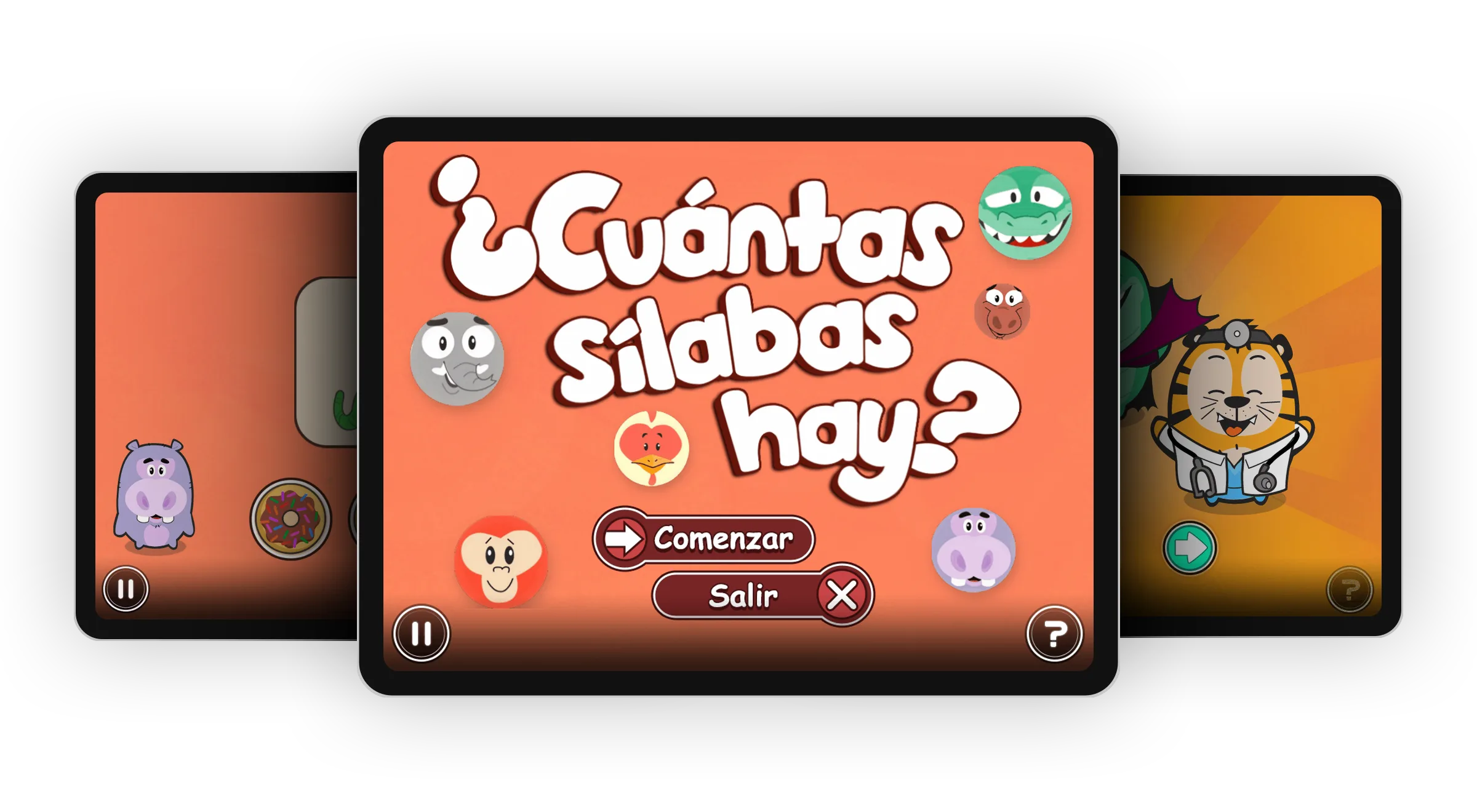
This is earlier work from Istation, which makes reading assessment and instruction software for schools. The students it was for were 3 to 5 years old and couldn’t read yet. Every instruction, label and piece of feedback had to work without words, which is why we tested with a child instead of guessing.
Problem
Istation’s Spanish curriculum had a gap in its Pre-K standards coverage. It was missing phonological awareness, the ability to hear and work with the sounds in spoken words, which children need before they can learn to read.
The content had to teach real skills, hold the attention of 3 year olds, and be usable by students who couldn’t read a single instruction or label.
Starting From the Classroom
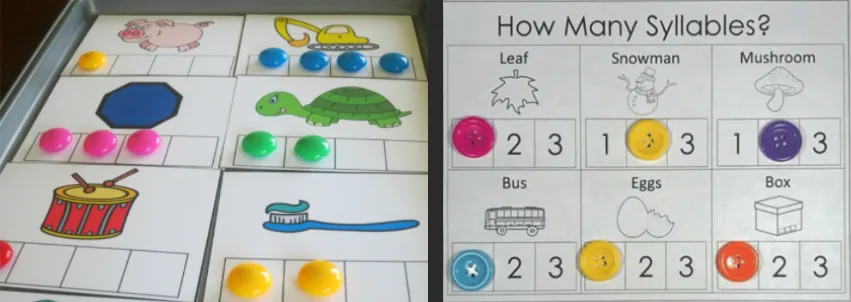
The team’s educational experts identified the foundational skills students needed and showed us how teachers already teach them. For counting syllables, students place a counter on a card for each syllable they hear, left to right.
I led the brainstorming sessions with rough sketches, working with the whole team to translate those classroom strategies to a screen.
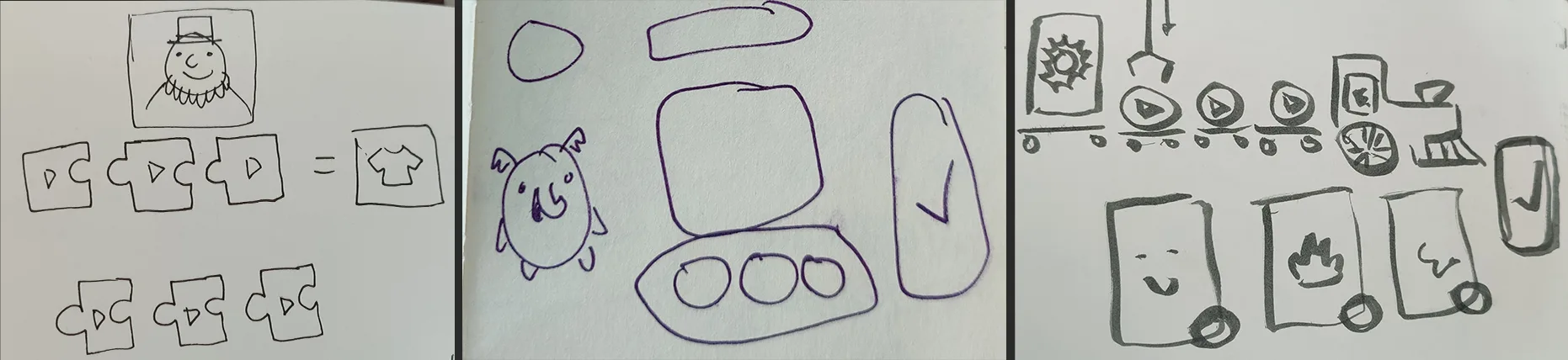
Six principles came out of those sessions and guided every activity:
- Activities are brief and efficient.
- Art uses bright colors and curvy shapes.
- Every activity shares a single design system.
- Layouts and interactions stay simple.
- The UI is understandable without labels.
- Activities are replayable, so students can practice.
Testing With Pre-Readers
I built low-fidelity prototypes in Adobe XD so we could test early and change designs before anyone wrote production code.
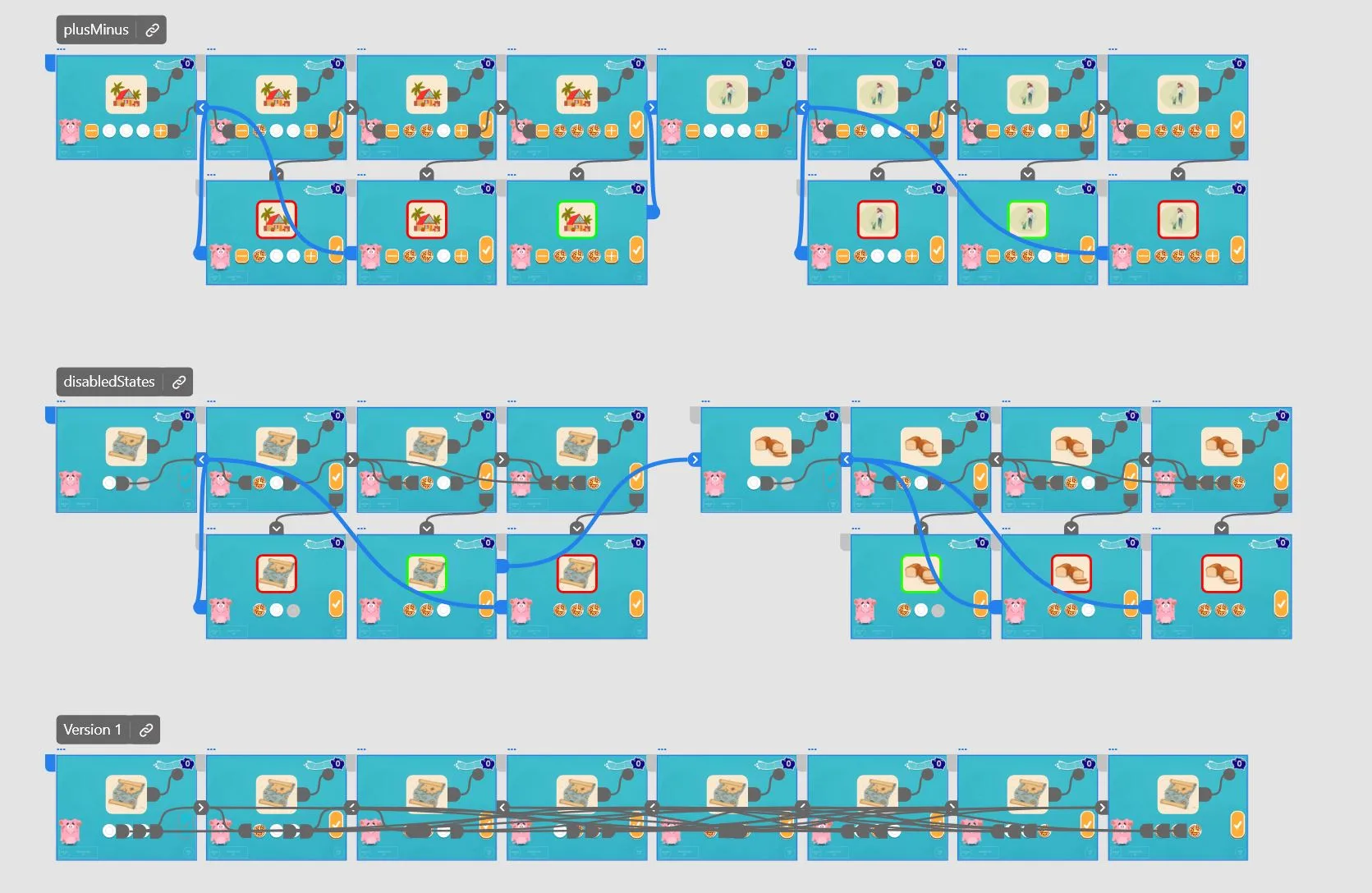
The team felt it was critical to test with a pre-reader. We were only able to test with one student, but as a native Spanish speaker of Pre-K age, she was exactly who the activities were for. We paid her in pizza, and she was thrilled to help.
Counting Syllables shows how testing shaped the design. We tested three versions of the same activity.
The easiest version wasn’t the one that taught kids to read. The design had to satisfy both the children and the experts.
Testing caught one more problem. Our tester didn’t think to tap a placed counter to remove it, so we added an eraser button.
A Reason to Keep Practicing
The last principle, replayability, needed a reason for kids to come back. I designed a reward system where students collect friendly characters, then choose one to accompany them through the activities. The companion offers help when a student gets stuck.
The team’s lead artist drew the characters. I vectorized them and built a puppet rig with motion design animations to plug every character into, and the team’s developer put the rig and assets together as unlockable characters. Costume variants on the shared rig added up to hundreds of unlockable characters.
 Artist's sketch
 Outcomes
The suite added seven activities to Istation’s Spanish content library and covers 25% of all pre-K U.S. reading standards. It filled a need Istation’s Spanish teachers had had for years.
Reflection
This project changed how I think about intuitive design. The most intuitive version of Counting Syllables was the wrong one, and only testing with real users next to subject matter experts could show that. Neither group alone would have landed on the final design.
It also reinforced something I still push for on every project: test with the real users, even when they’re hard to test with. Even one pre-reader caught problems no adult reviewer would have, like not knowing to tap a counter again to remove it.